
The Polycom VVX phones offer 'shortcut' keys that save time, and enhance productivity.
These keys make up the round keypad that is visible below the the home icon button. There are 4 in total, one in each direction. Here is what they do:
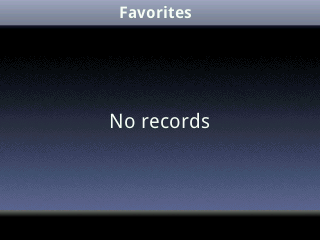
The Up Arrow will display the "favourites" list, which when a contacts directory is loaded, will display the contents here.
The Down Arrow will display your "missed calls" list. When you view this, the 'Missed Calls' alert that is displayed in the top-right hand corner of your screen will vanish, and no longer alert you.
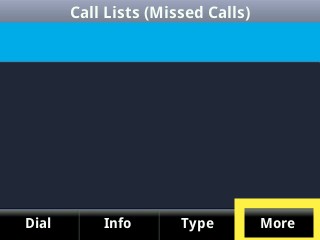
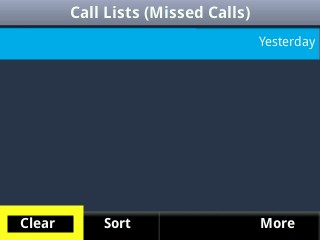
Now if the missed calls list gets full, and you'd like to clear it you can follow the highlighted boxes as demonstrated below.
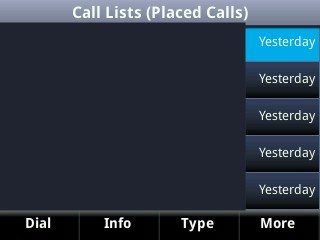
The Right Arrow will display your "placed calls" list, showing the last 255 placed calls from the phone. Keep in mind that the PBX databases have their own history of calls placed so by clearing this window it will not do a potent clear.
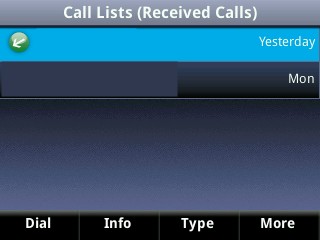
The Left Arrow will display the "received calls" list, containing the last 255 incoming calls that you have answered. Again if this list does become too full for your liking you can clear it by following the highlighted boxes shown in the "missed calls" list.
Comments
0 comments
Article is closed for comments.