
Welcome to CloudPBX! We are so happy to have you as a customer.
Below are instructions that will help you access and make use of the user portal.
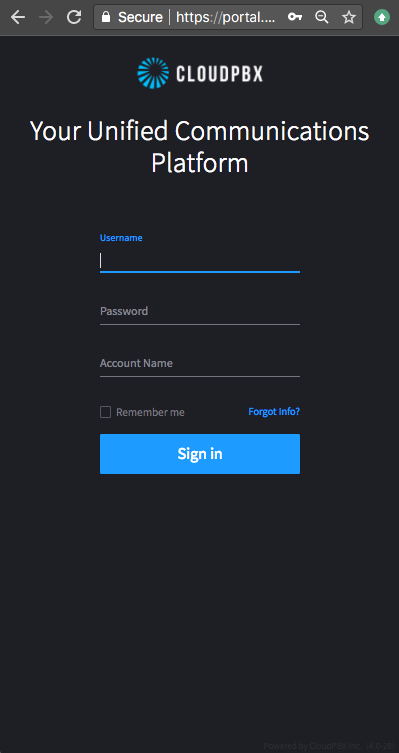
1. Access the user portal by going to this link, https://portal.cloudpbx.ca
Upon visiting you will see the authentication page:
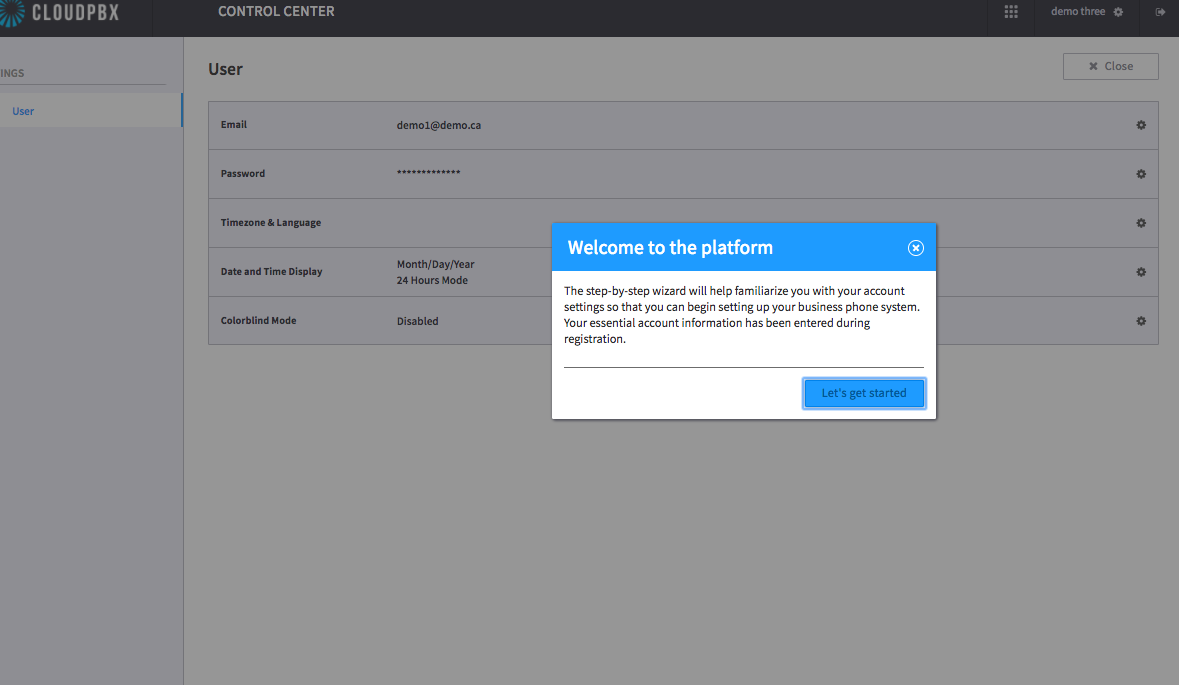
2. The welcome page will appear. You can follow the short introduction steps, or close the intro altogether.
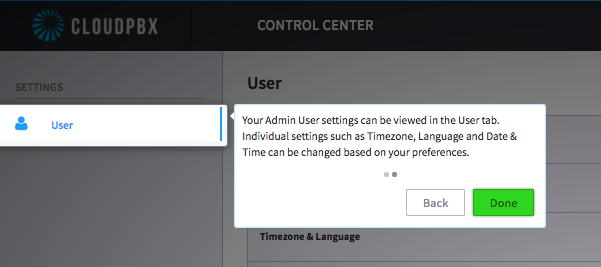
When completed, you will settle on the user control centre landing page that appears as below,
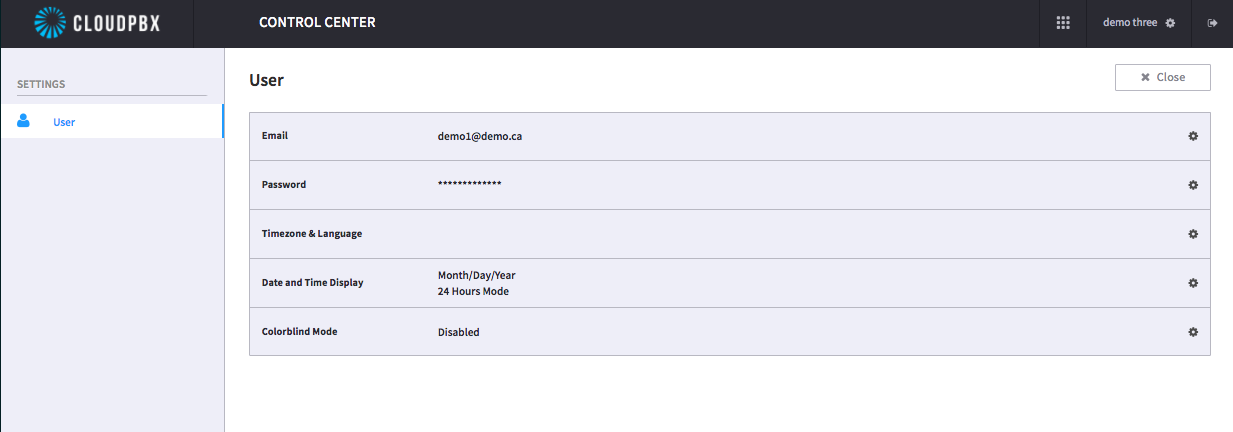
As you can see, there are many options that can be configured on this page by selecting the configuration 'gear' icon on the right hand side.
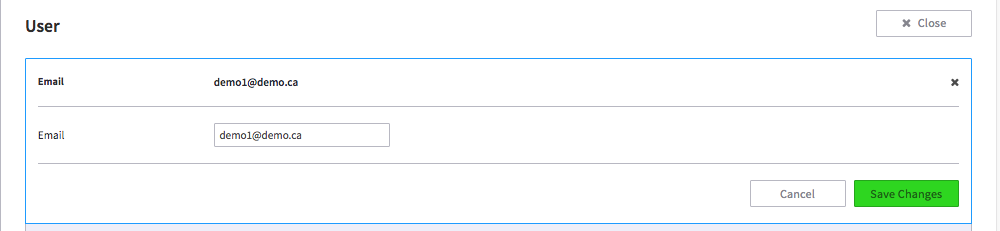
You can change the email used to login here:
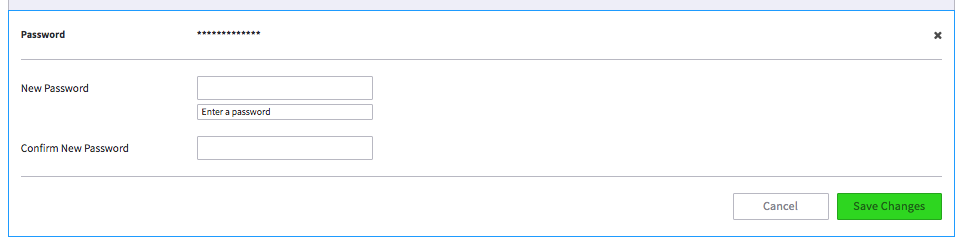
You can change your password and re-create to a new one as shown below here:
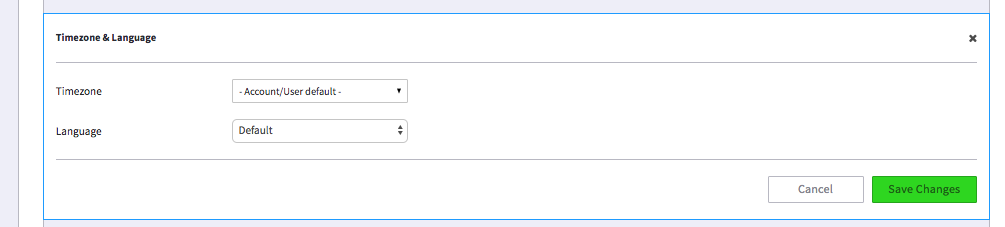
You can change the timezone and language as demonstrated below here:
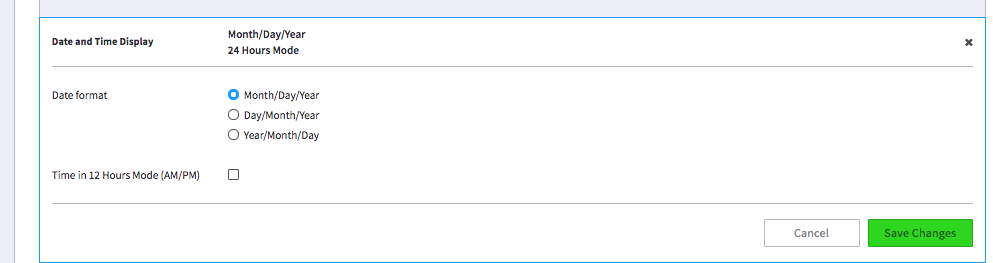
You can change the date and time as shown below here:
Once you've completed setting up the control centre, you will click the green button to save and you will not be prompted to edit this upon future logins. If you choose to return to the control centre to make edits you can by selecting the gear icon on the right hand side.
That's the control centre for you. If you would like a overview of the other "User Portal" features please visit our User Portal article here.
Comments
0 comments
Article is closed for comments.