
Here's how you set up your new phones.
Below you will see a series of images that will be a great introduction as we will be needing to follow them later.
Here is a box full of the boxed phones.

Each box will contain the following:
A) The Phone Stand
B) The Phone Cord
C) The Network Communication Line
D) The Phone Handset
E) The Phone Database
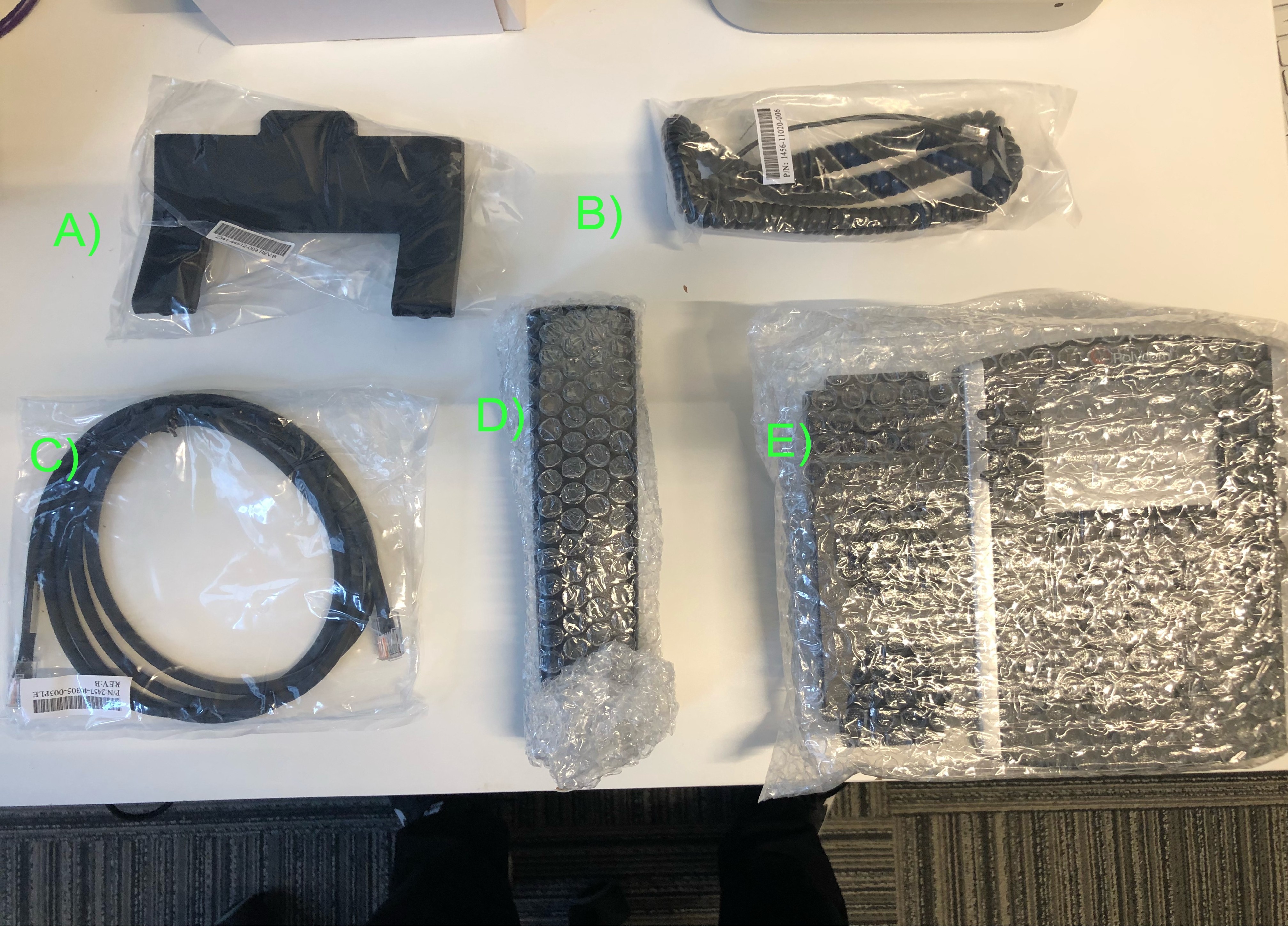
Step Number One! Begin with the phone cord (B) and handset (D)
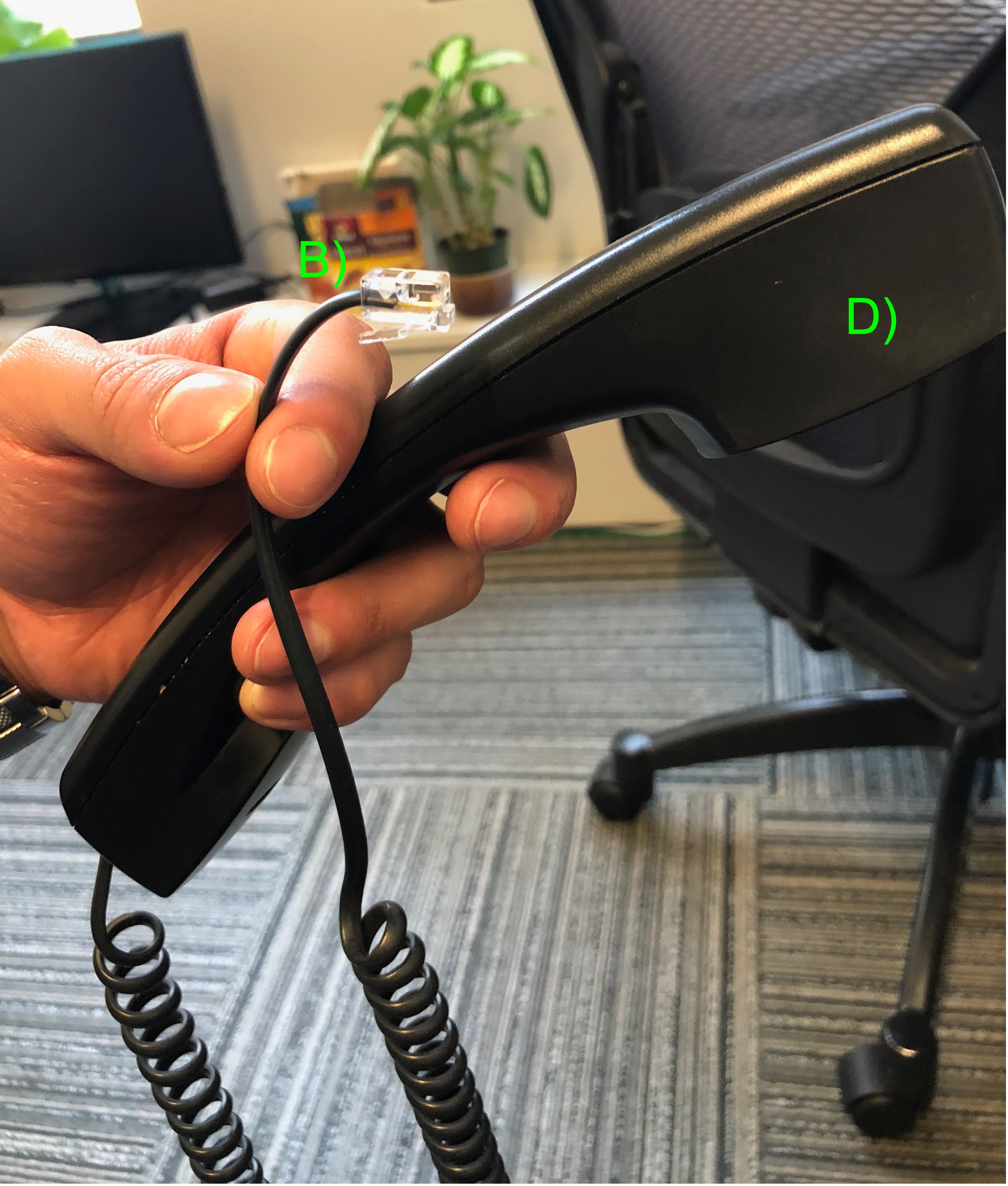
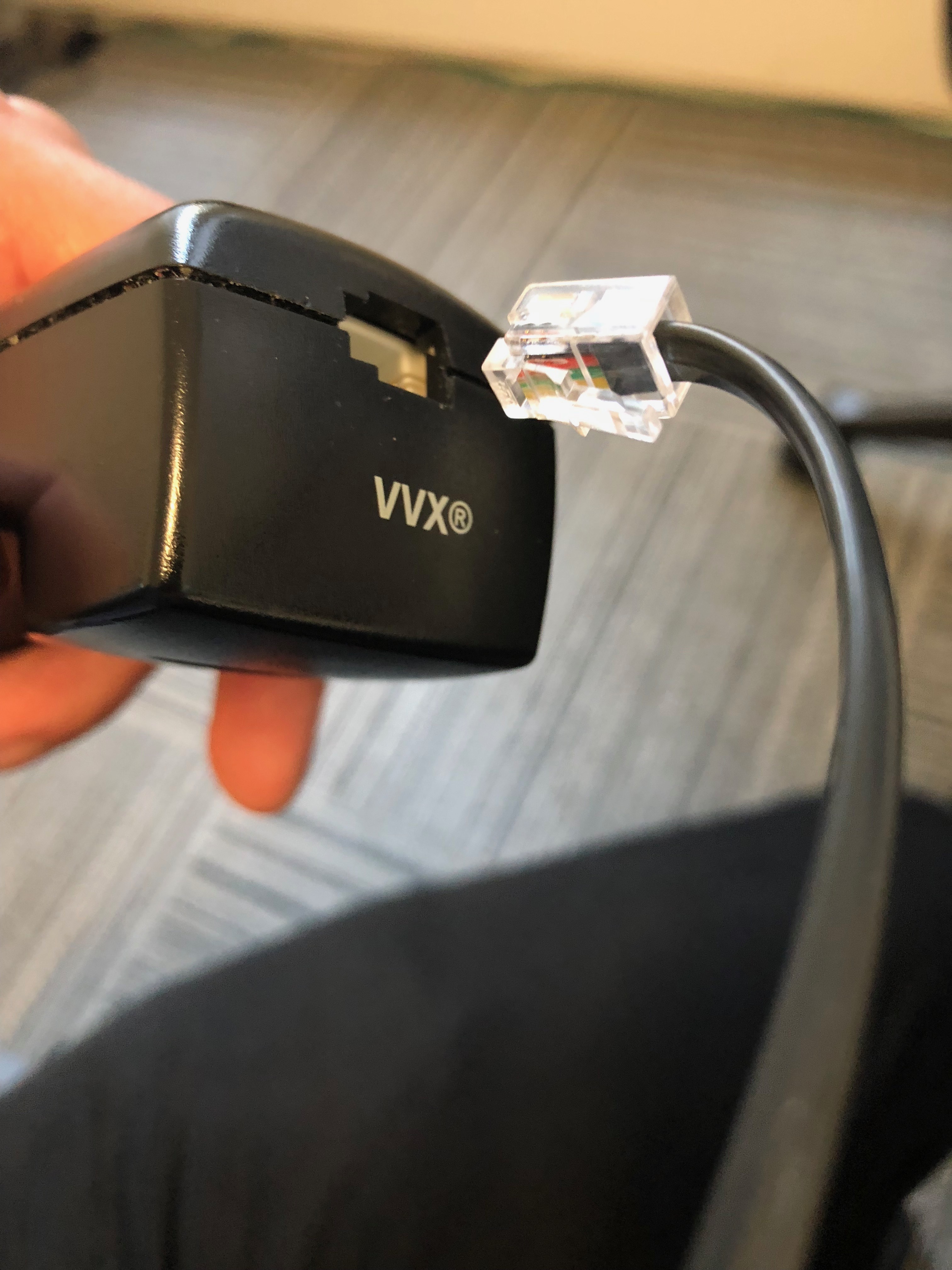
Plug the phone cord into the handset. You will hear a click and it will stay in tact.
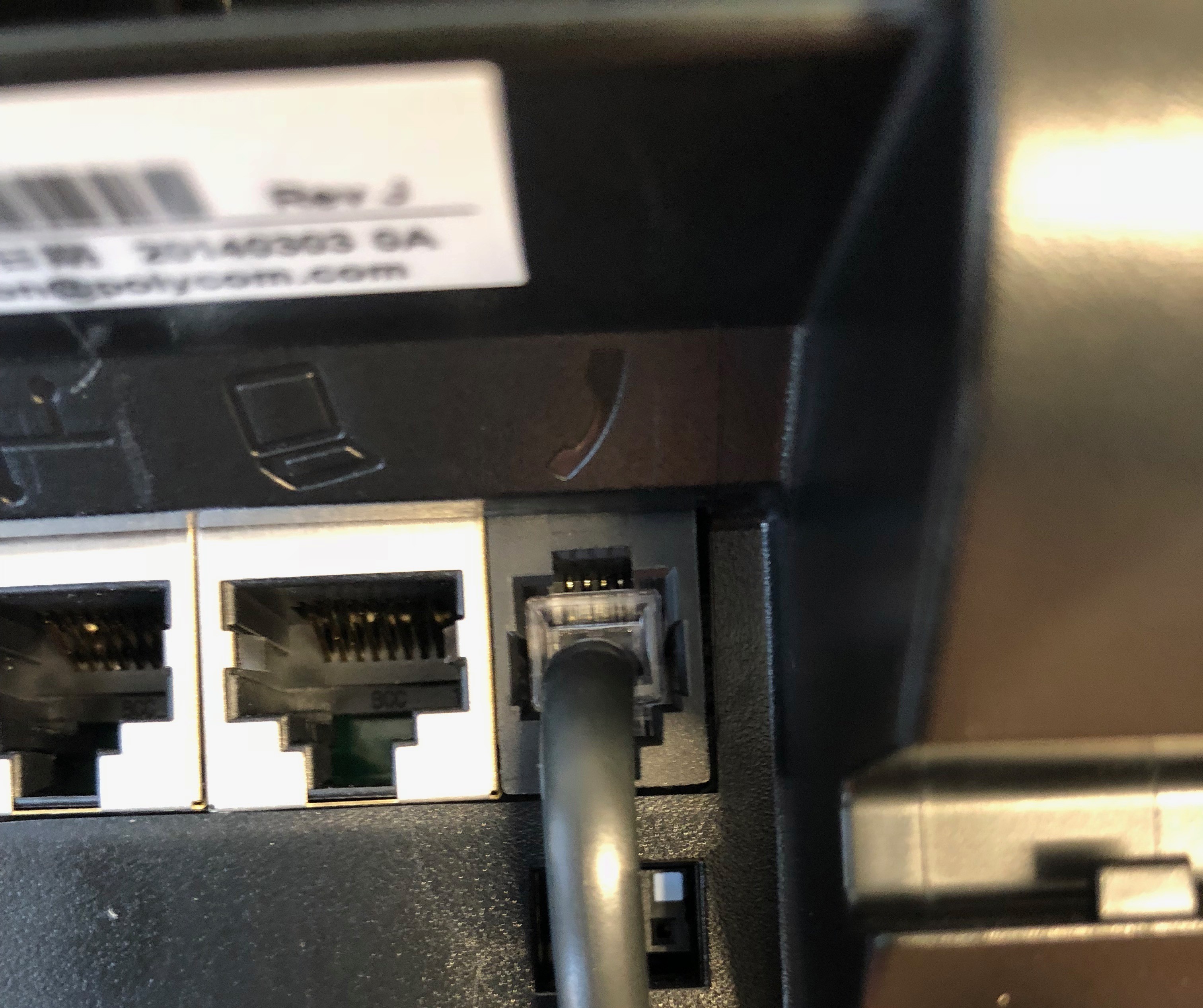
Take the other end of the phone cord and plug it into the back of the phone database in the socket that displays the phone symbol.
Next take the network cable (C) into the networking port which is on the back of the phones base (E).
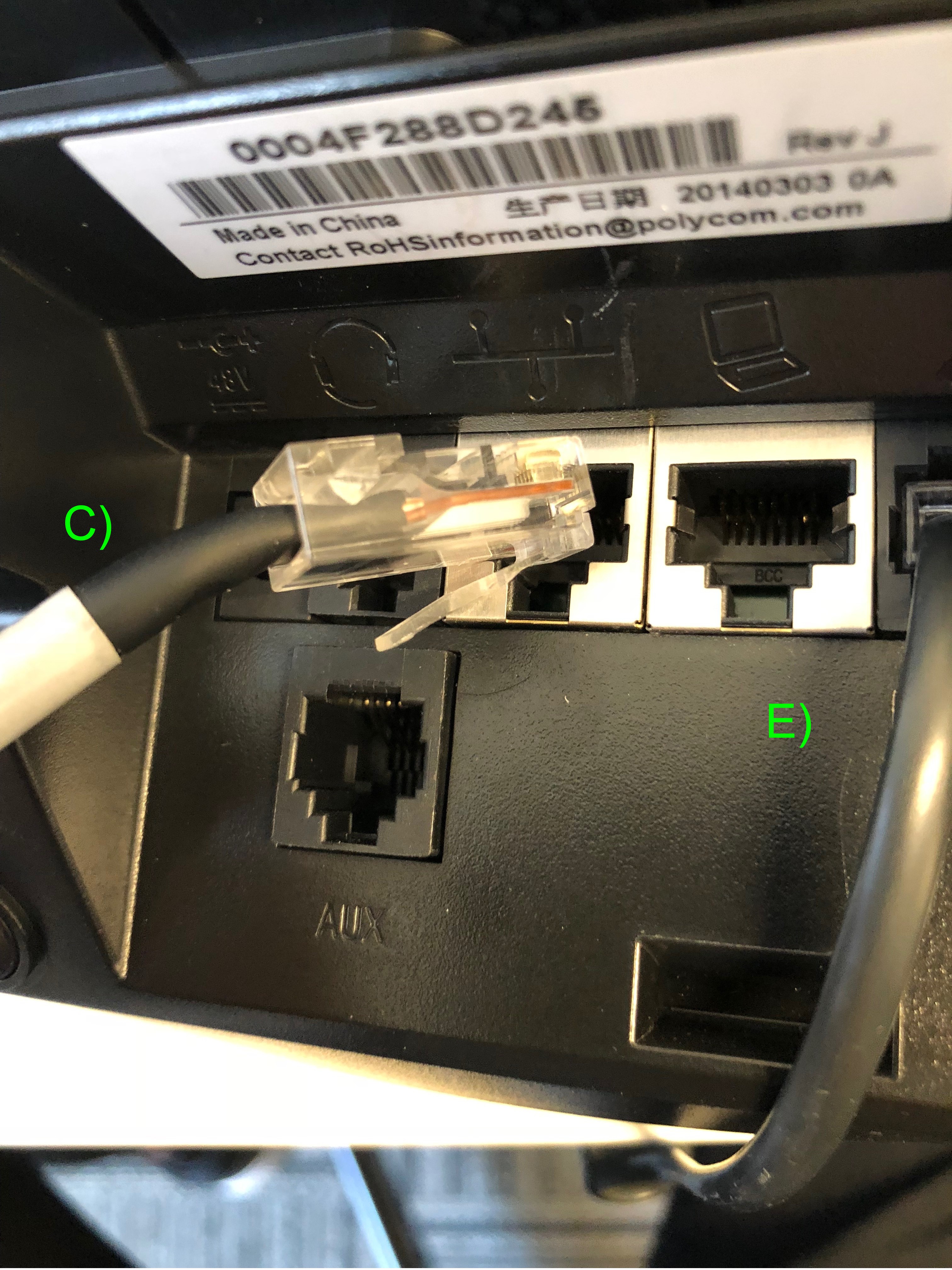
Take the other end of the networking cable and plug it into your organizations ethernet jack (be it on a switch, a wall port or a router. This is completely dependent on your own set up.)
Last but not least, take the phone stand and plug it into one of the slots of your choosing which are located on the back of the phone's base.
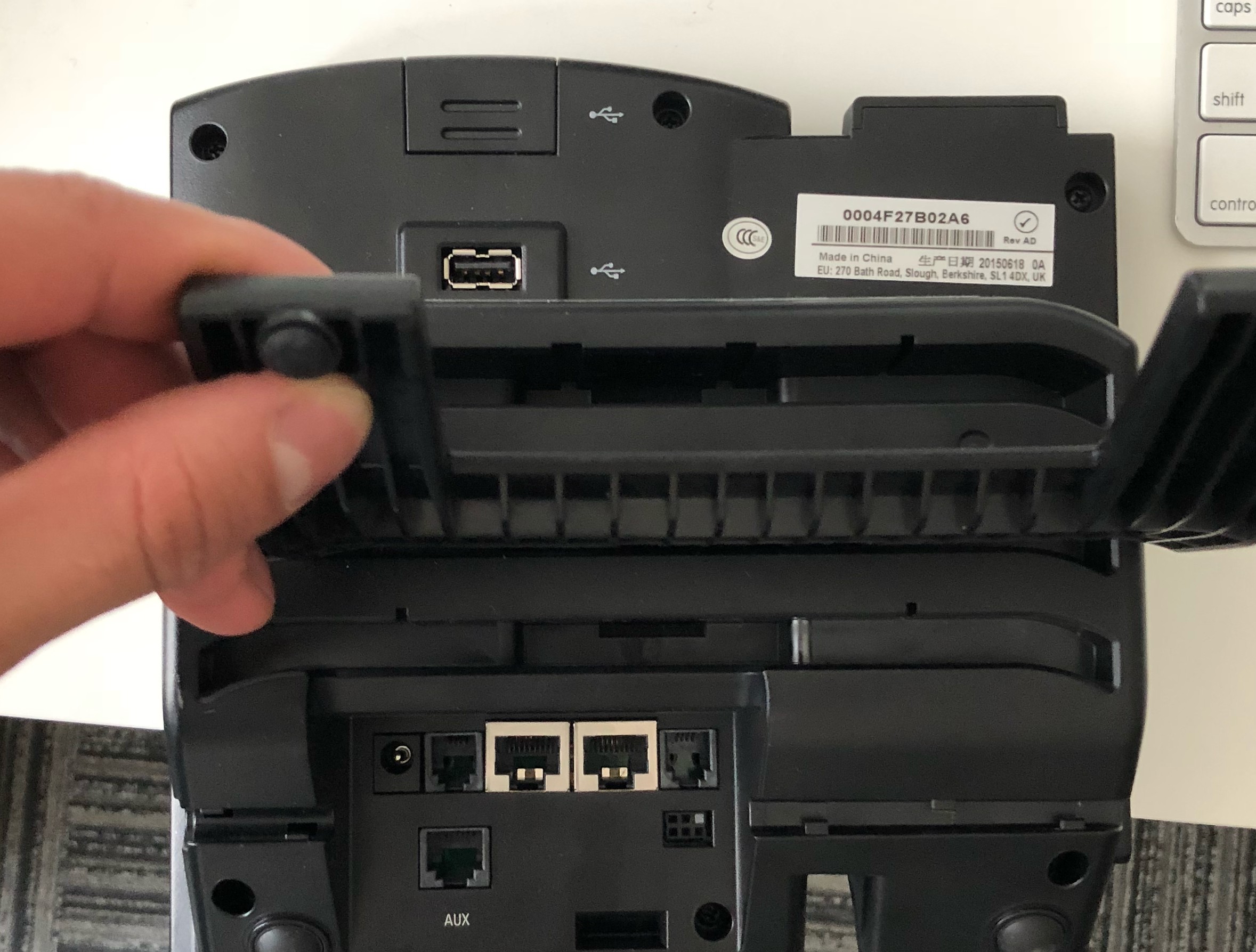
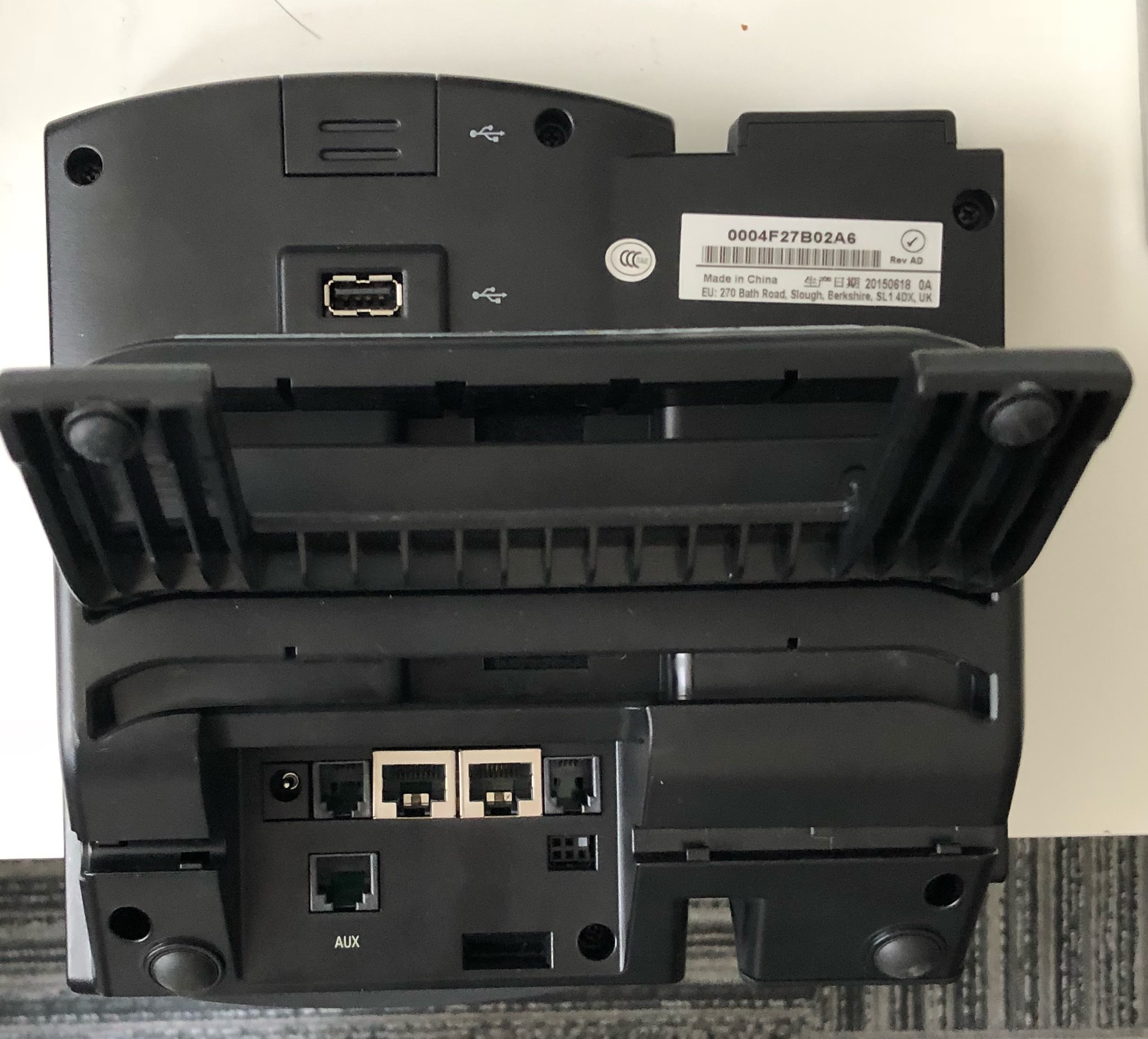
And you're all set!
Some additional information: The 0004F27B02A6 serial number as shown above is an example of the phones "MAC" Address. If you're ever requested to provide this for troubleshooting you will see it as such.
We hope this has been helpful and informative, please review more of our Faq's for additional information regarding your PBX environment.
Comments
0 comments
Please sign in to leave a comment.