
For a comprehensive view of your organization's contact list and directory, please follow the steps and screenshots below.
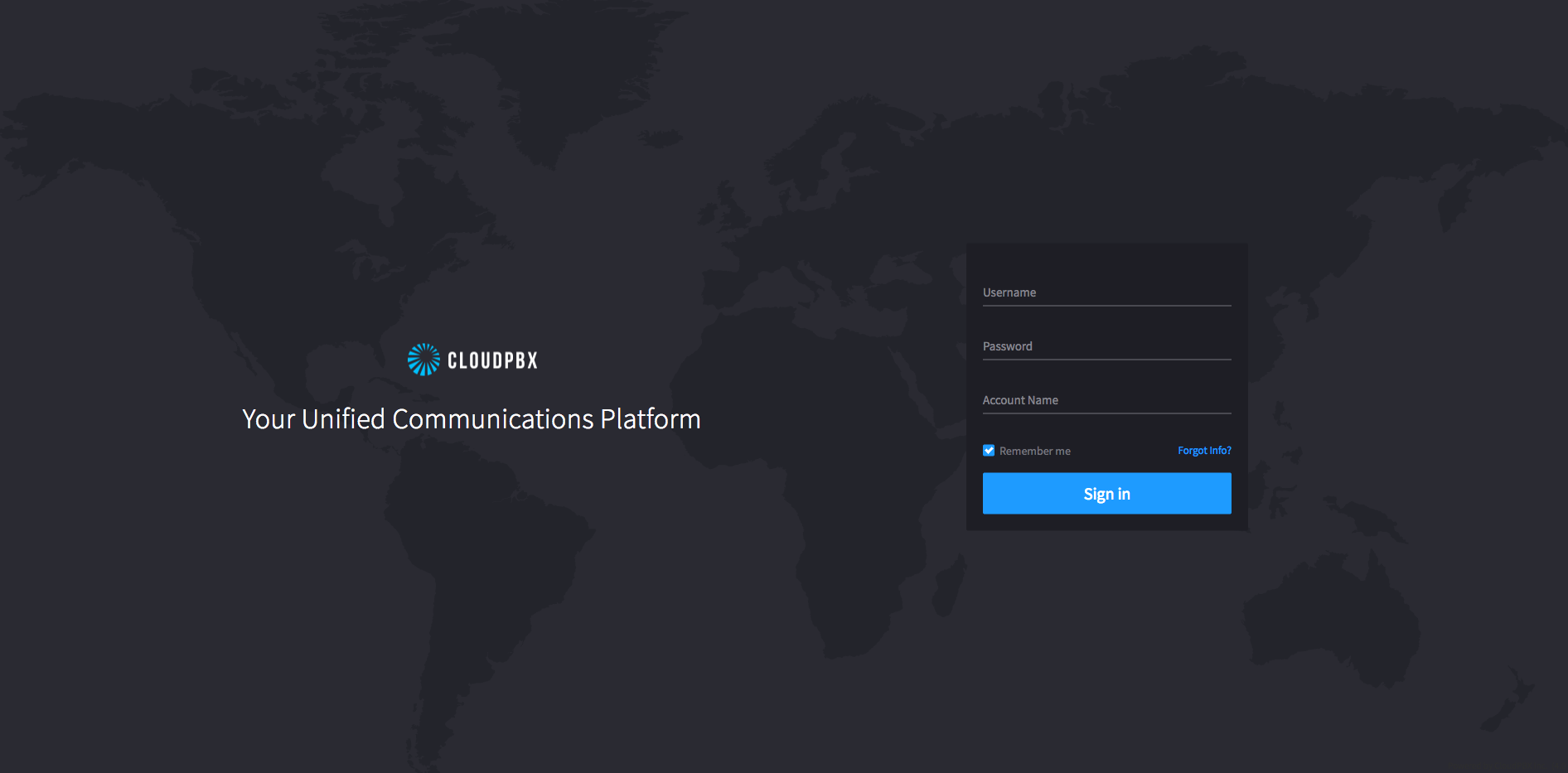
1) Using your credentials, log in to https://portal.cloudpbx.ca
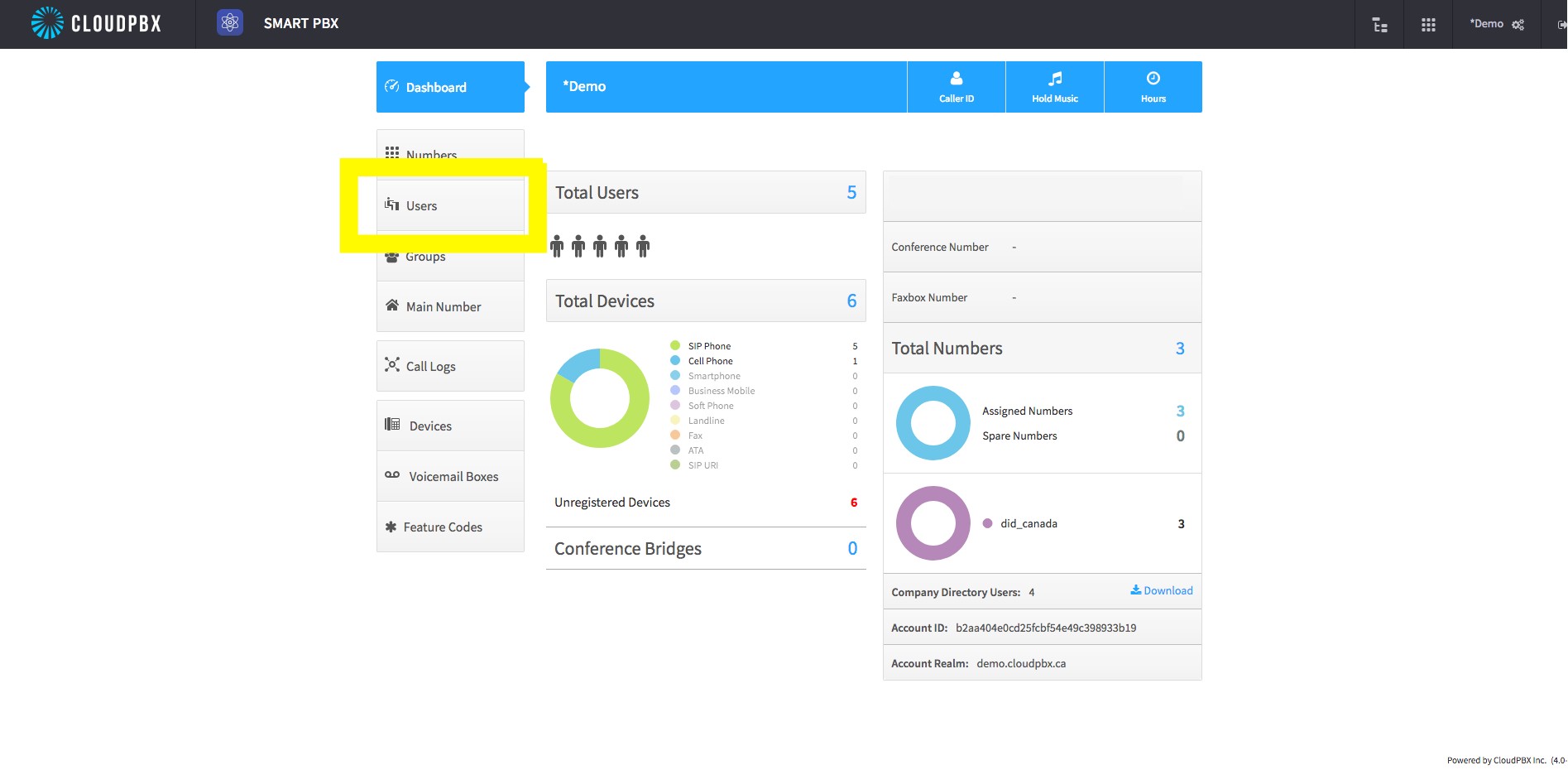
2) When logged into the portal, select 'Users' in the left menu pane.
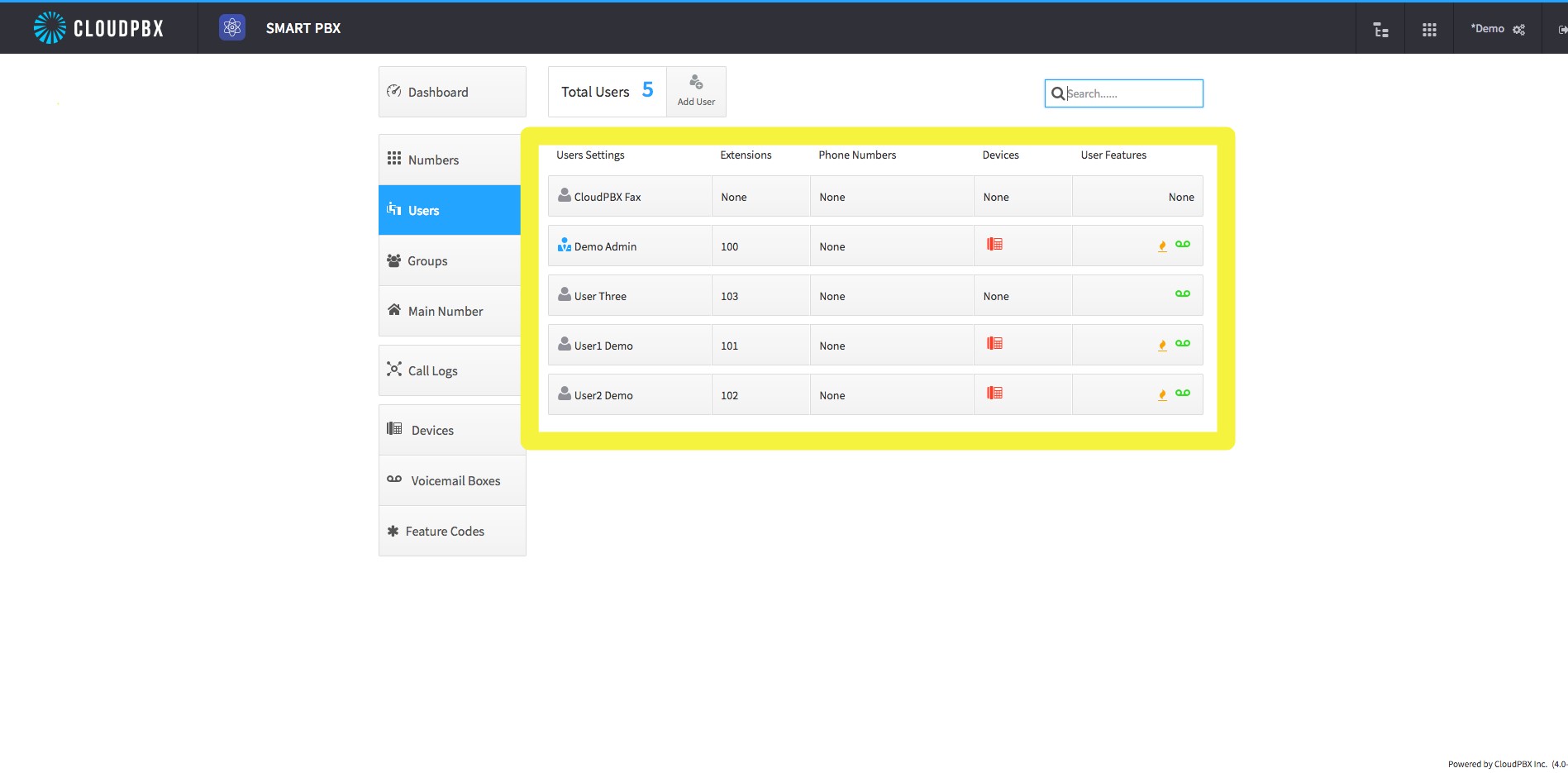
3) A list of organization users' extensions will be displayed, which you can review for accuracy:
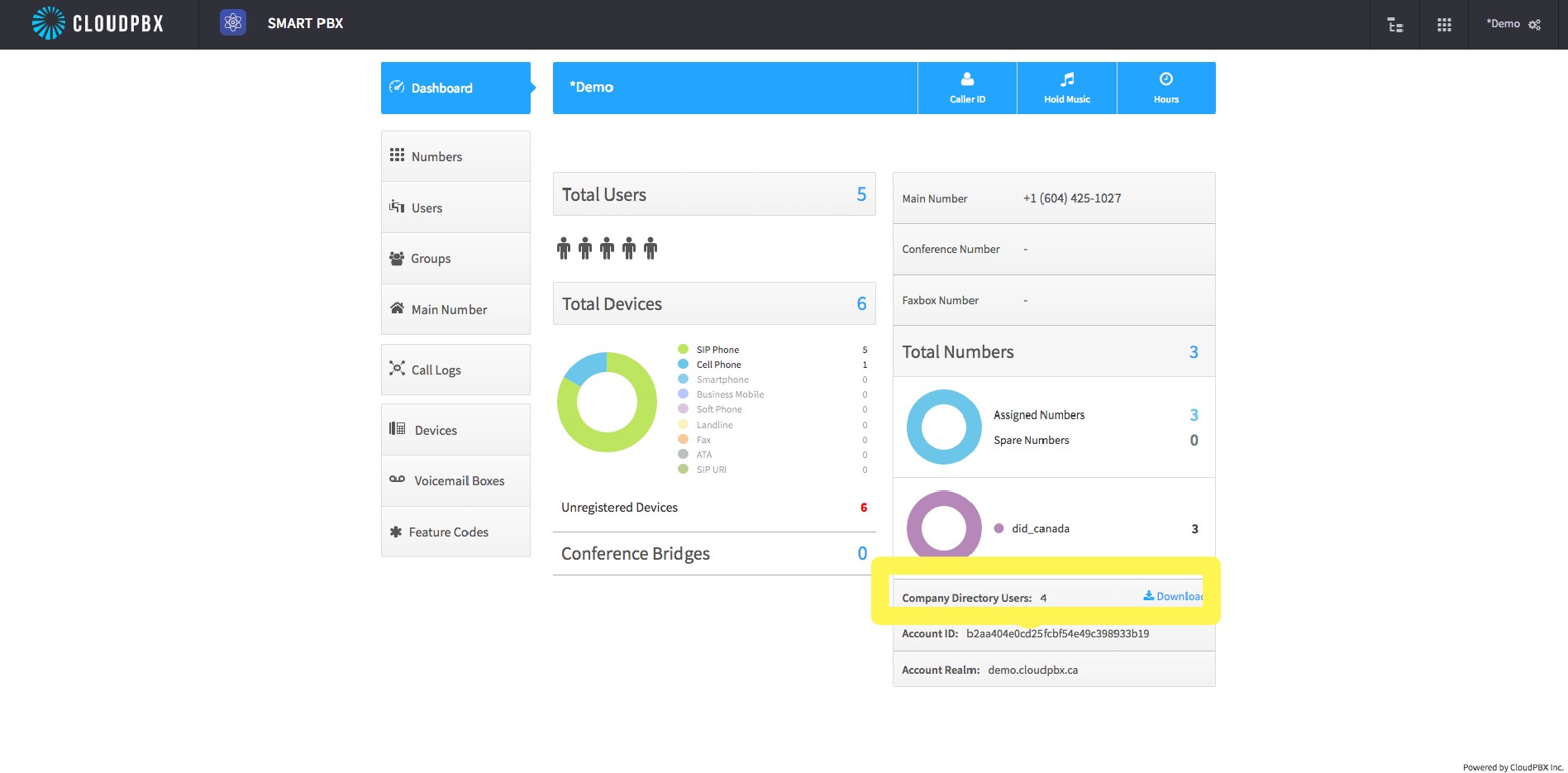
4) To download the directory, you will need to return to the portal landing / dashboard, and select the download hyperlink on the bottom right as previewed below:
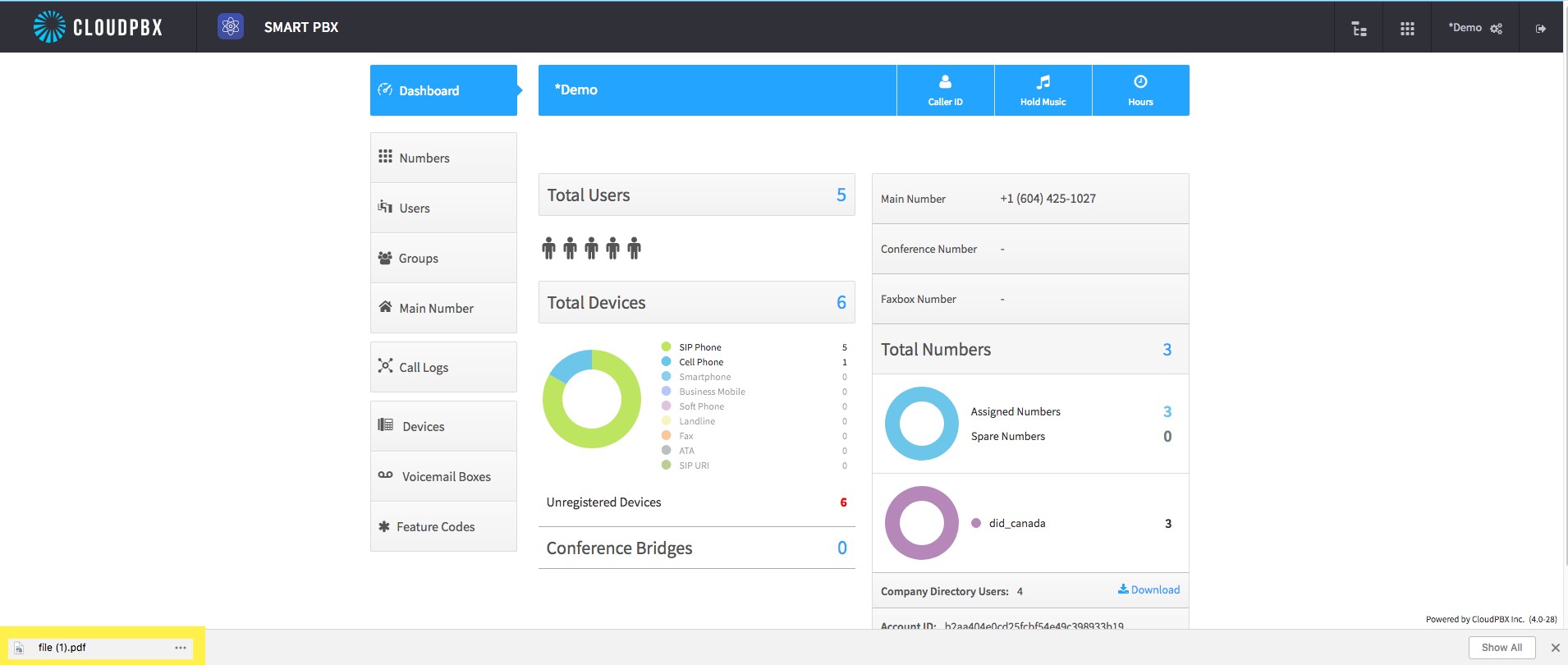
When you click the downloaded file and open it, the extension list will open and appear something similar to what is displayed below:

Comments
0 comments
Please sign in to leave a comment.